
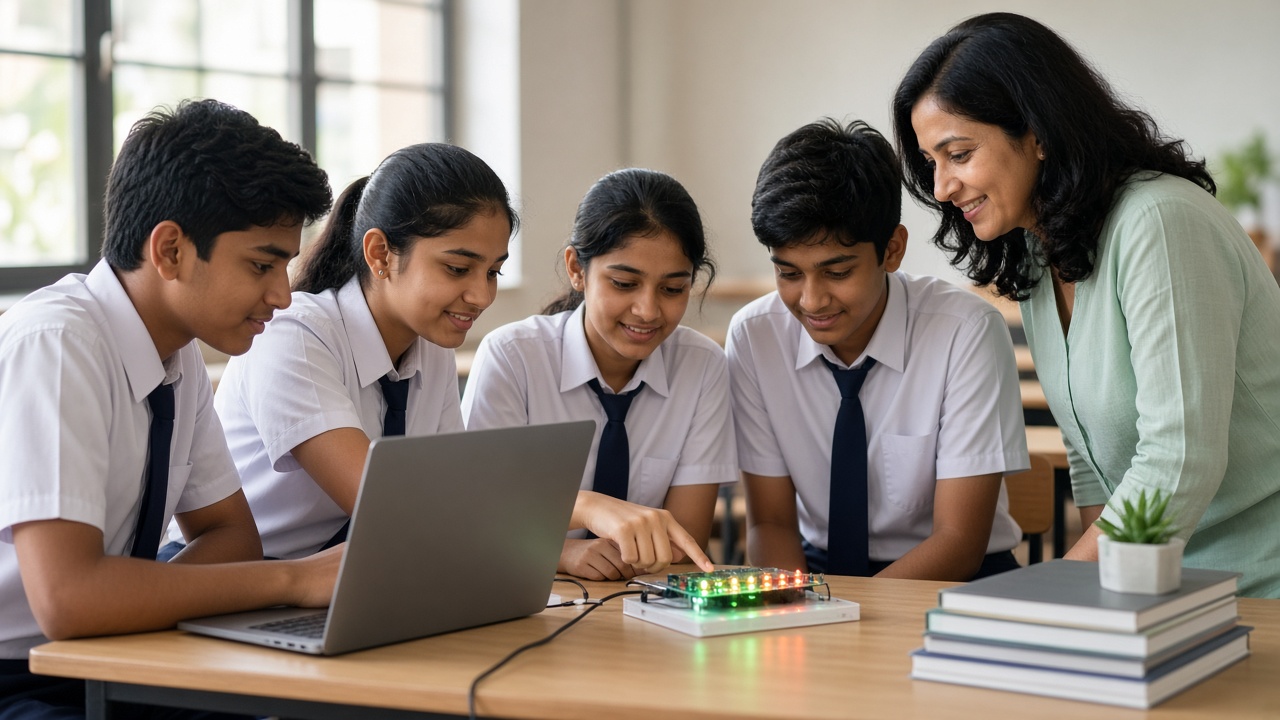
Every message, photo and song on your phone is stored as long strings of 0s and 1s: a plain-language look at how binary code works, for students in Classes 6 to 12
A beginner-friendly guide to binary code for Indian school students, parents and teachers: what binary is, what bits and bytes are, how counting in base 2 works, how to convert binary to decimal and back, how text becomes binary through ASCII and Unicode, how images are stored as pixels and colour numbers, how sound is sampled into numbers, why computers use only 0 and 1, how binary shows up in coding, robotics and microcontrollers, a binary cards classroom activity and FAQs.
Introduction
When you send a message, click a photo or play a song, your device does not store letters, colours or music the way you see and hear them. It stores numbers, written using just two digits: 0 and 1. This guide explains binary code in simple steps for students in Classes 6 to 12 and the parents and teachers helping them.
What is binary code?
Binary code is a way of representing information using only two symbols, 0 and 1. Computers, phones and robots use it to store data and run instructions.
You can think of each 0 or 1 as a light switch: 0 means off and 1 means on. With enough switches arranged in patterns, a computer can represent numbers, words, pictures and sounds.
Bits and bytes
A single binary digit, either 0 or 1, is called a bit, which is short for binary digit.
A group of 8 bits is called a byte. One byte can make 256 different patterns, from 00000000 to 11111111. Larger units are built from bytes: a kilobyte, megabyte, gigabyte and terabyte are each roughly a thousand times bigger than the one before.
Counting in base 2
In everyday maths we use the decimal system, or base 10. Each place is worth ten times the place on its right: ones, tens, hundreds and so on.
Binary is base 2. It has only two digits, so each place is worth two times the place on its right. Reading from right to left, the place values are 1, 2, 4, 8, 16, 32, 64 and 128. Counting in binary goes 0, 1, 10, 11, 100, 101, 110, 111, 1000, which are the decimal numbers 0 to 8.
Converting binary to decimal and back
To read a binary number, write the place values above its digits and add the places that have a 1. For example, 1011 has 1s in the 8, 2 and 1 places, so it equals 8 + 2 + 1 = 11.
To go the other way, keep dividing the decimal number by 2 and note the remainders. For 13: 13 ÷ 2 = 6 remainder 1, 6 ÷ 2 = 3 remainder 0, 3 ÷ 2 = 1 remainder 1, and 1 ÷ 2 = 0 remainder 1. Reading the remainders from bottom to top gives 1101.
How text becomes binary
Computers store each letter as a number using an agreed code. In the ASCII code, the capital letter A is 65, which is 01000001 in binary, and the small letter a is 97, which is 01100001.
ASCII only covers basic English characters. To store Hindi, Tamil, Bengali, emojis and thousands of other symbols, modern devices use Unicode, a standard that gives a number to characters from most of the world's writing systems. A common way of saving Unicode text, called UTF-8, uses one to four bytes per character.
How images become binary
A digital image is a grid of tiny dots called pixels. In a common colour format, each pixel stores three numbers for how much red, green and blue light it has, and each number uses one byte, from 0 to 255.
So pure red can be stored as 255, 0, 0, and white as 255, 255, 255. Photos have millions of pixels, so formats such as JPEG and PNG compress them to save space.
How sound becomes binary
Sound is a wave of vibrations. A microphone turns it into an electrical signal, and the device measures the signal many thousands of times every second. This is called sampling.
Each measurement is stored as a binary number. Audio CDs, for example, use 44,100 samples per second. More samples and more bits per sample usually mean better quality but bigger files, so formats such as MP3 compress the data.
Why computers use only 0 and 1
Inside a computer chip are billions of tiny electronic switches called transistors. It is much easier and more reliable to tell the difference between two states, such as low voltage and high voltage, than between ten different levels.
This reliability is the main reason almost all digital devices work in binary.
Binary in coding, robotics and microcontrollers
When you write a program in Scratch or Python, you do not type 0s and 1s. Tools called compilers and interpreters translate your code into machine code, which is binary instructions the processor understands. Read more at sheepbyte.com/blog/scratch-vs-python-for-kids-which-first.
In robotics, binary is easy to see. A microcontroller's digital pin is either HIGH or LOW, which is 1 or 0, to switch an LED or motor on or off. Learn more at sheepbyte.com/blog/what-is-a-microcontroller-guide-school-students-india and sheepbyte.com/blog/robot-sensors-beginners-guide-school-students.
Classroom activity: binary cards
Make five cards with 1, 2, 4, 8 and 16 dots, and line them up from 16 on the left to 1 on the right. Five students hold the cards. Face up means 1 and face down means 0. Call out a number from 0 to 31 and let the class decide which cards to turn up, such as 8, 4 and 1 for 13, then write the answer as 01101.
Next, give groups binary patterns to decode into numbers, then ask why five cards can show 32 numbers and what a sixth card with 32 dots would add.
Frequently asked questions
Q: Do programmers write code in binary? A: Very rarely. Most programmers use languages such as Python, C or JavaScript, and software translates them into binary for the computer.
Q: Why are there 8 bits in a byte? A: The 8-bit byte became a widely adopted standard because it is a convenient size for storing a character and working with memory.
Q: Is binary part of the school syllabus? A: India's National Education Policy 2020 encourages coding and computational thinking, and many schools cover number systems in computer science or mathematics. What is taught varies by board, class and school, so check with your school or the official board website for current information.
Learn with SheepByte
SheepByte is an AI and robotics education company based in Udaipur, Rajasthan, working with schools and students. Our programmes include AI Learning, Coding Bootcamp, Drone Technology, Innovation Club, Robotics Lab and STEM Integration, all built around making real projects. We also set up robotics labs in schools and run workshops in Jaipur, Delhi and online.
To bring hands-on coding and robotics learning to your school or help your child take their first steps in technology, write to contact@sheepbyte.com or call or WhatsApp +91 75975 60225.


