From digital design to a part you can hold: 3D printing explained for students, parents and school leaders
A practical beginner's guide to 3D printing for Indian schools: what FDM printing is, how students design with free tools, project ideas by class, safety and supervision, and a checklist for adding a printer to the lab.
Introduction
A 3D printer builds a plastic object from the bottom up, one thin layer at a time. For Indian schools it is a practical way to turn a student's idea into something they can hold. This guide explains what 3D printing is, how classroom FDM printers work, how students design and print safely, and how a printer fits into robotics labs, drone projects and innovation clubs. It is for parents, teachers and principals who want clear steps without jargon.
What is 3D printing?
3D printing, also called additive manufacturing, creates a solid object by adding material layer by layer instead of cutting it away from a block. You start with a digital 3D model, send instructions to the printer, and the machine builds the part over minutes or hours.
In school labs the most common type is FDM, short for fused deposition modelling. Plastic filament is heated until it softens, then pushed through a small nozzle that draws each layer. When the plastic cools, the layers stick together into a solid object. Other methods exist, but FDM is usually the first students meet.
How an FDM printer works, in plain words
Think of the printer as a hot glue gun guided by a computer. The hot end melts the filament. Motors move the nozzle in three directions so each new layer sits on the last one. A heated bed helps the first layer stick so the print does not peel up or warp.
Before printing, software called a slicer cuts the 3D model into thin horizontal slices and writes a path for the nozzle. That file tells the printer how fast to move, how hot to run and how much plastic to use. Students learn the settings that matter for clean beginner prints.
From idea to object: design, slice and print
Most school projects follow three steps. First, design or download a 3D model. Free browser tools such as Tinkercad let beginners build shapes with simple blocks, holes and text. Older students may later try other free design tools.
Second, open the model in a slicer. It estimates time and material, lets you choose layer height and strength, and exports the printer instructions. Teachers usually keep a short checklist: model flat on the bed, supports only where needed, and settings matched to the filament.
Third, load filament, check the bed if needed, start the print and stay nearby. When it finishes and cools, remove it carefully, clean leftover plastic and check the result. That loop, from sketch to physical part, is where the real learning happens.
Beginner project ideas by class level
Classes 3 to 5: Name tags, keychains, blocky animals and pencil organisers. Keep designs chunky so they print reliably, and focus on measuring, naming shapes and lab rules.
Classes 6 to 8: Phone stands, cable clips, simple gears, puzzle pieces and sensor mounts for a robot chassis. Students can iterate: print, test fit, adjust and print again.
Classes 9 to 12: Custom brackets for robotics kits, camera mounts for classroom drones where rules allow, circuit enclosures and innovation-club prototypes. Link each print to a real problem, such as holding a sensor at the right height. Across ages, start small: a short keychain teaches more than a multi-hour failed tower.
How 3D printing links to robotics, drones and innovation clubs
Robotics teams often need a part no kit includes: a spacer, clip, wheel hub or phone holder. Printing it teaches design for fit and strength. Drone projects may need light mounts or housings; any flight must still follow current drone rules and school safety policies.
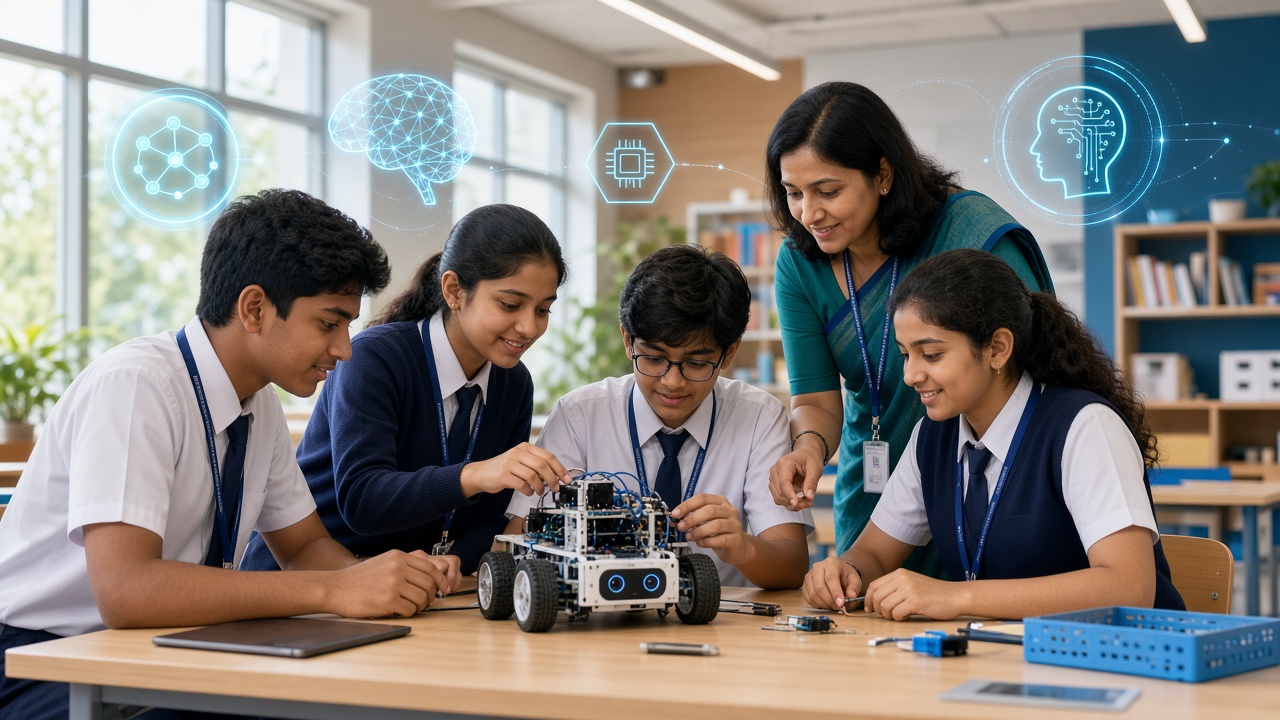
Innovation clubs thrive on rapid prototypes: sketch, print, test and improve. SheepByte's Robotics Lab, Innovation Club and STEM Integration programmes involve this kind of building and prototyping, and SheepByte helps schools set up robotics labs where printers can sit alongside kits and sensors.
Safety and supervision in the school lab
The nozzle and heated bed get hot enough to burn skin. Students should never touch those parts during or just after a print, and hair, scarves and loose sleeves should stay clear of moving axes.
Run the printer in a well-aired room and avoid crowding around it. PLA is widely used in schools because it prints at moderate temperatures and has a milder smell than some other plastics, but follow the filament maker's guidance and your school's lab rules.
Adult supervision is essential for younger students and strongly advisable for all sessions. Keep a clear area around the printer, know where the power switch is, and never leave a long print fully unattended in an empty lab.
A short principal's checklist for adding a printer to the lab
Name a teacher or lab coordinator who owns the machine day to day, with a simple booking sheet. Place it on a stable table with space, power and airflow, away from curtains and clutter.
Train staff before open access: bed checks, loading filament, emergency stop and cleanup. Set written student rules: no unsupervised use for younger classes, no touching hot parts, and how to report a stuck print.
Link the printer to curriculum goals such as measuring, design thinking and robotics prototypes. If your school explores scheme-linked labs such as Atal Tinkering Labs, check the latest official guidelines. Plan for filament, spare nozzles, maintenance time and how finished prints are stored or taken home.
Frequently asked questions
Q: Do students need to know coding before they try 3D printing? A: No. Beginners can design in visual tools like Tinkercad. Coding helps later when students automate designs or link printed parts to programmed robots.
Q: Is PLA the only filament schools should use? A: PLA is a common starter choice because it prints at moderate temperatures and is widely available. Other filaments can be stronger or more flexible but often need higher temperatures and more experience, so introduce them only with trained staff.
Q: How does 3D printing help with board exams or STEM marks? A: It rarely appears as a direct exam chapter, but it strengthens spatial thinking, measurement, iteration and documenting a design process. Pair prints with clear goals in science, maths or skill subjects.
Bring prototyping into your school's STEM journey with SheepByte
SheepByte is an AI and robotics education company based in Udaipur, Rajasthan. Our Robotics Lab, Innovation Club and STEM Integration programmes help students design, build and prototype. We also offer AI Learning, Coding Bootcamp and Drone Technology programmes, plus workshops in Jaipur, Delhi and online, and we help schools set up robotics labs.
If you want to explore robotics labs, innovation clubs or STEM integration for your school or child, write to support@sheepbyte.com or visit sheepbyte.com.