Launch with shared computers and a steady weekly slot—grow kits and mentors as the habit sticks
A practical how-to for Indian schools to launch a sustainable after-school coding and robotics club with clear roles, a simple schedule, starter activities, and ways to measure progress.
Introduction
Many Indian schools want coding and robotics for students but wait for a full dedicated lab, a large budget, or a packed timetable slot. An after-school coding club is a practical way to start sooner. With a teacher lead, a fixed weekly slot, shared computers, and a short activity path, principals and coordinators can build a sustainable habit without redesigning the whole curriculum.
This guide is for school principals, activity coordinators, and parents in India who want a clear operating plan: roles, schedule, space, starter weeks, safety rules, success checks, and common mistakes. Adapt the steps to your campus size, board culture, and available devices.
Why after-school coding clubs work
After-school clubs sit outside the pressure of marks and period bells. Students join by interest, stay for a focused block, and finish a small project they can show. That ownership often builds more confidence than a one-off workshop. Clubs also let schools pilot coding before committing to a full Robotics Lab or STEM Integration overhaul.
Policy frameworks such as NEP 2020 generally encourage computational thinking, digital literacy, and experiential learning. Exact rules still depend on your board and school plan, so treat policy as encouragement—not a fixed national checklist. A steady club proves demand and gives parents something concrete to support.
Roles that keep the club running
Teacher lead. One staff member owns the calendar, room booking, attendance, and basic behaviour rules. They need reliability more than software expertise on day one. A second teacher as backup keeps the club running when someone is on leave.
Student captains. Two or three confident students help set up devices, welcome newcomers, and demo last week’s project. Captains reduce the teacher’s load and model peer coaching—debugging, pack-up, and fair kit turns.
Parent liaison. One parent or PTA volunteer handles reminders, consent notes for optional kits or trips, and a short showcase invitation each term. Clear home communication keeps attendance steady.
Schedule and space with minimal gear
Pick one fixed slot after school—sixty to ninety minutes, once a week, on a day that does not clash with major sports or tuition peaks. Protect the slot on the school calendar so exams and assemblies do not casually cancel it. Consistency matters more than length.
Use a quiet classroom or computer lab with working power points and enough seats for a small batch. Start with shared school computers or a bring-your-own-device list. A cupboard for mice, headphones, chargers, and later a few shared kits is enough for the first term.
Cap the first batch so every child gets mentoring time. Waitlist extra interest and open a second batch only when the first runs smoothly for several weeks.
A starter 4–6 week activity path
Weeks 1–2: block coding basics. Students learn sequencing, loops, and simple events in a block environment. End each session with a tiny shared demo. Keep homework light—one short challenge under thirty minutes if home devices allow.
Weeks 3–4: personal mini projects. Each student or pair builds a quiz, animation, or simple game with a clear goal. Captains help debug. Hold a five-minute showcase so parents and principals hear children explain what they built and one bug they fixed.
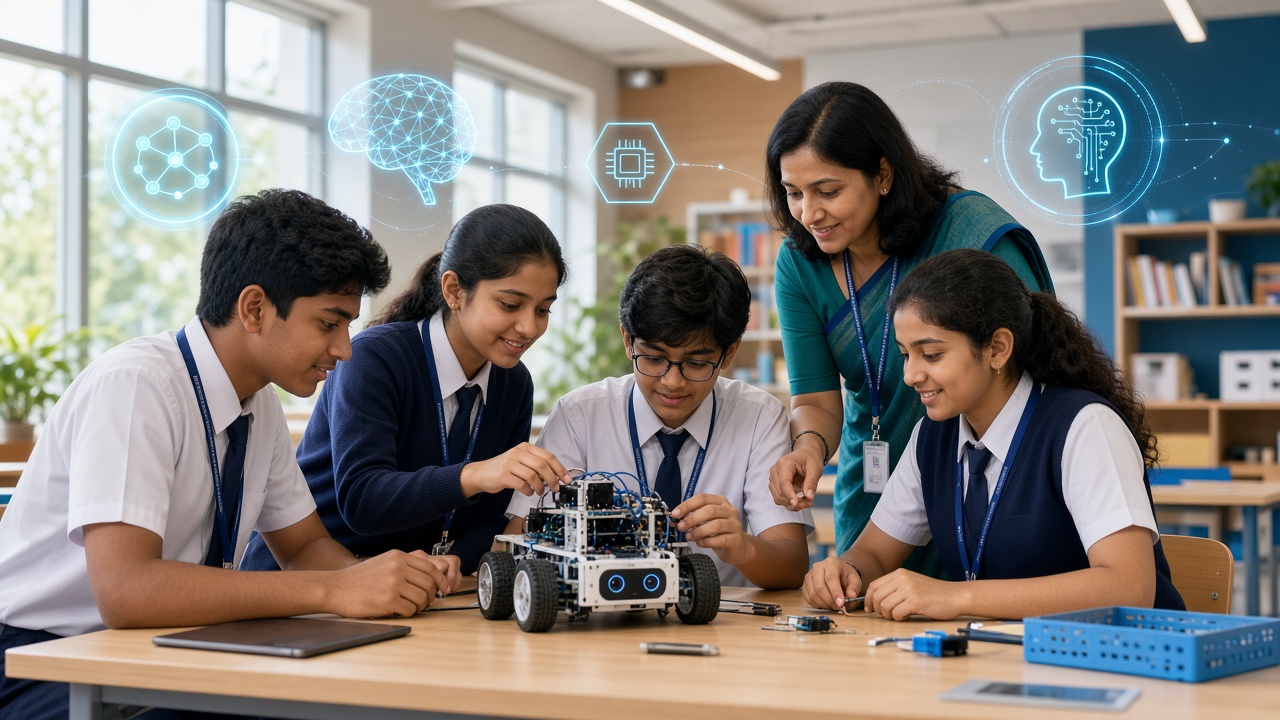
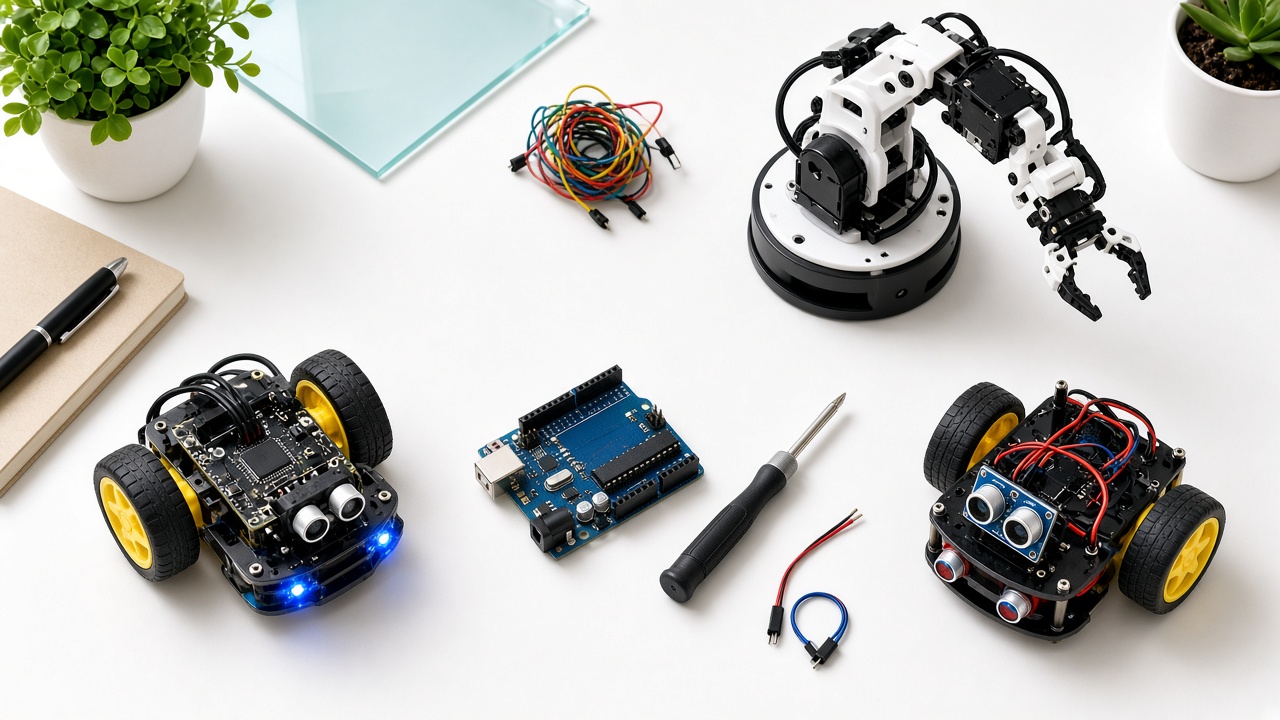
Weeks 5–6: optional shared kits or robotics intro. If budget and supervision allow, introduce one shared sensor kit, floor robot, or beginner board under teacher watch. If kits are not ready, deepen software projects or invite a short partner workshop. SheepByte pathways such as Coding Bootcamp, Innovation Club support, and Robotics Lab setup help can plug in without a full lab purchase on day one.
After week six, either restart a new cohort with the same path or advance the first group into longer projects. Do not skip the basics just to look advanced on social media.
Safety and device rules
Write a one-page club code: school Wi-Fi or approved networks only; no personal logins on shared machines without school policy; mentor-approved downloads only; kits stay in the room unless signed out; no food near keyboards; report broken cables. Younger students should not be left unsupervised online.
For any hardware, teach plug-in and pack-up routines before creative play. Limit soldering, open batteries, or drone flights to trained mentors and approved spaces. Photography of students for school updates needs normal consent practices.
How to measure success
Track attendance over six weeks, not only the launch day crowd. Count finished projects students can demo. Ask each child to explain one concept and one bug they fixed—understanding beats a certificate they cannot describe. Note whether captains can run setup without the teacher hovering.
Share a short term note with parents and the principal: what was built, how many stayed the course, and what the next cycle needs. If interest drops, fix schedule clashes and mentoring quality before buying more equipment.
Common mistakes to avoid
Waiting for a perfect lab before the first meeting. Running irregular “when free” sessions that kill habit. Letting batches grow too large for mentoring. Buying kits before software habits exist. Making the teacher do everything with no captains or parent liaison. Skipping showcases so families never see outcomes. Treating the club as exam coaching. Copying advanced robotics demos beginners cannot repeat. Start small, finish projects, then grow.
Frequently asked questions
Q: Do we need a full robotics lab to start? A: No. Shared computers, a fixed slot, and a clear activity path are enough for the first term. Add kits when routines and mentors are steady.
Q: Which grades should join first? A: Many schools begin with a mixed middle-school batch that can read instructions and type a little. Younger children may need shorter sessions; older students can serve as captains.
Q: How is this different from an innovation club? A: An after-school coding club focuses on regular coding practice, project demos, and club operations. An innovation club may span broader STEM builds; you can link the two later without merging definitions on day one.
Q: Can parents help from home? A: Yes—protect a quiet practice slot, ask the child to re-explain the weekly project, and support showcase days. Avoid finishing the project for them.
Learn with SheepByte
SheepByte is an AI and robotics education company based in Udaipur, Rajasthan. Our programmes—AI Learning, Coding Bootcamp, Drone Technology, Innovation Club, Robotics Lab, and STEM Integration—help schools and students learn through projects. We support robotics lab setup, run workshops in Jaipur, Delhi, and online, and partner with campuses on after-school coding pathways.
If you are launching or strengthening an after-school coding club, email support@sheepbyte.com or visit sheepbyte.com.