
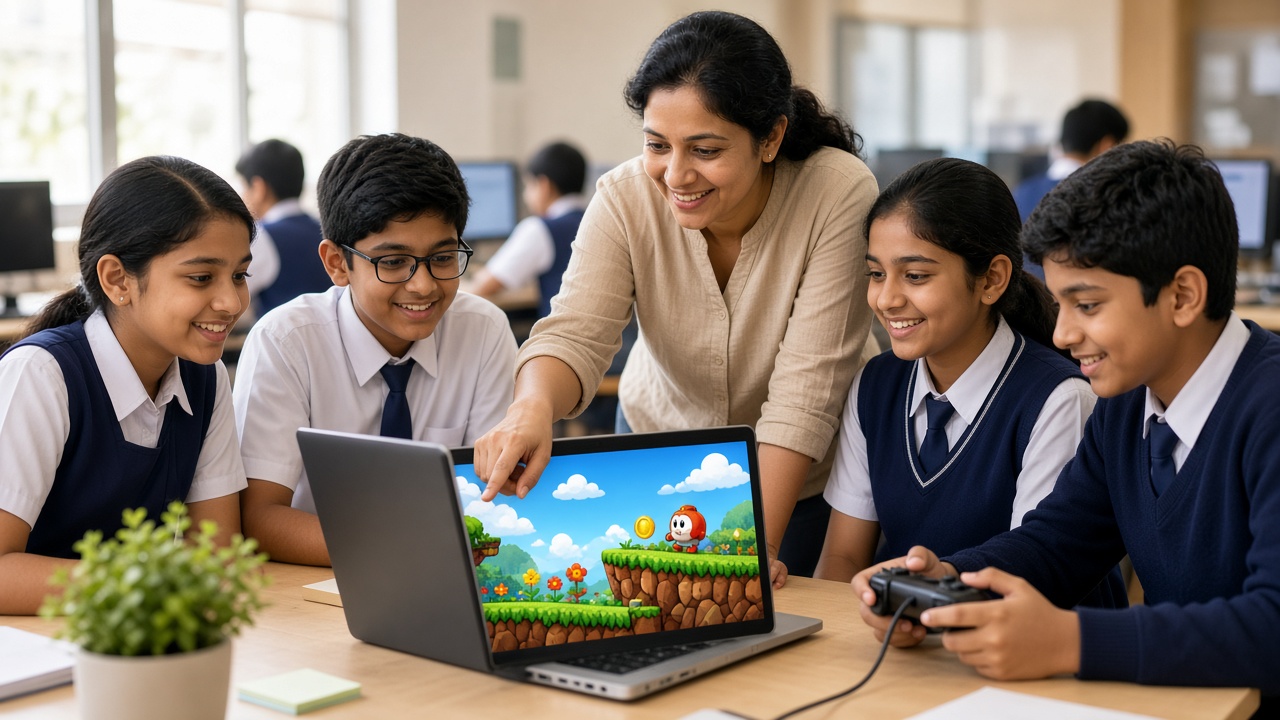
From catch-the-fruit games to Python platformers: game development explained for students, parents and school leaders
A practical beginner's guide to game development for Indian schools: game loops, sprites, rules and scoring in plain words, block-based and text-based tools by age, class projects, screen time, safety and privacy, and a checklist for teachers and principals.
Introduction
Many students in India love playing video games on phones, laptops or consoles. Fewer know that they can design and build a game themselves. Game development teaches students to turn an idea, a story and a set of rules into something others can play. This guide explains how games work in plain words, the skills game-making builds, beginner tools by age, project ideas by class level, healthy screen habits, safety and privacy, and how schools can get started.
What is game development, in simple words?
Game development is the process of planning, designing, building and testing a game. A video game is a program with a goal, rules and challenges, plus feedback that tells the player how they are doing.
Most games share a few building blocks. Sprites are the characters and objects on screen, such as a player, a coin or an enemy. Rules decide what happens when sprites touch or when time runs out. Scoring tracks points, lives or levels, so players can see their progress.
Behind every game is the game loop. Many times every second, the program checks what the player is pressing, updates positions, scores and rules, then redraws the screen.
Skills game development builds
Game projects build logical thinking, because students must decide exactly what happens in every situation. They use maths naturally: coordinates to place sprites, variables for scores, and speed, angles and timing to make movement feel right.
Games also build storytelling and art skills. Students create characters, backgrounds, sounds and a reason to keep playing. Most importantly, game-making builds persistence. Games rarely work the first time, so students learn to test, find bugs, fix them and try again.
Beginner-friendly tools by age
Scratch, created by the MIT Media Lab and now supported by the Scratch Foundation, is free and runs in a web browser. Students snap code blocks together to move sprites, add sounds and keep score. It suits primary and middle school beginners.
Microsoft MakeCode Arcade is another free, browser-based tool for retro-style 2D games. Students can use blocks and switch to JavaScript or Python as they grow, and test games in an on-screen simulator. Some compatible handheld devices can also run these games.
Older students can move to text-based coding. Pygame is a free, open-source library for making 2D games in Python, a good next step after school Python lessons. Godot is a free, open-source engine for 2D and 3D games that uses GDScript, a language similar to Python. Unity is a widely used engine that uses C#; it is powerful but needs a capable computer, and schools should check its current licence terms.
Simple project ideas by class level
Classes 3 to 5: In Scratch, make a chase game where a cat catches a mouse, a catch-the-falling-fruit game with a score counter, or an animated story with a simple choice for the player.
Classes 6 to 8: In Scratch or MakeCode Arcade, build a maze with a timer, a maths quiz game that adds points for correct answers, or a platform game with lives and two levels.
Classes 9 to 12: Try a Snake or Pong game in Python with Pygame, a simple 2D platformer in Godot, or an educational game that teaches a science or history topic.
Playing games vs making games, and screen time
Playing games and making games are different activities. A player follows rules that someone else designed; a game maker invents the rules, solves problems and creates art. Game-making is active, creative screen time.
Healthy limits still matter. Families and schools can agree on time limits, take regular breaks, mix screen work with paper planning, and keep devices out of bedrooms at night. Sketching levels on paper and testing game ideas with cards or dice are useful offline steps.
Safety and privacy for student game makers
Student games should never ask players for personal data such as full names, phone numbers, addresses, photos, location or school details. Usernames and profile pages should not reveal personal information either.
Parents should give permission before students create accounts on game-making or sharing platforms, and teachers should check each tool's age requirements, privacy settings and community rules. Some platforms let users share projects publicly and leave comments, so an adult should review what is shared. These policies change, so check the latest official guidelines.
How schools can introduce game development
Schools do not need expensive equipment to begin. A computer lab with a modern web browser is enough for Scratch and MakeCode Arcade. Start with an after-school game club, an Innovation Club project or a few periods inside computer classes.
Link games to other subjects: a quiz game for science revision, a word game for Hindi or English, a maths race game or a game about a historical event. NEP 2020 and CBSE materials discuss coding and computational thinking; check the latest official guidelines for your board and class. End each term with a game fair where students play each other's games.
A short checklist for teachers and principals
Choose one beginner tool and build a small game yourself before teaching. Check device access, internet reliability and the tool's age and account requirements.
Set clear rules: no personal data in student games, parental permission for accounts, kind and age-appropriate content, and no public sharing without adult approval.
Plan short projects first, encourage play-testing and feedback, and keep a simple record of each student's game and what they learned.
Frequently asked questions
Q: Does my child need prior coding experience? A: No. Scratch and MakeCode Arcade are designed for beginners, and a simple first game can often be made in a single session.
Q: Will making games make my child play more games? A: Not necessarily. Building games shifts attention from playing to creating. Clear screen-time rules at home and school still help.
Q: Does my child need a powerful computer? A: Not at first. Browser-based tools work on most school computers. Engines such as Unity need a more capable machine, so they are better for older students.
Help students build their first game with SheepByte
SheepByte is an AI and robotics education company based in Udaipur, Rajasthan. Our Coding Bootcamp, AI Learning and STEM Integration programmes help students turn ideas into working projects, and our Innovation Club gives them space to build and share. We also offer Robotics Lab and Drone Technology programmes, plus workshops in Jaipur, Delhi and online, and we help schools set up robotics labs.
If you want to explore coding and game-making for your school or child, write to support@sheepbyte.com or visit sheepbyte.com.


