
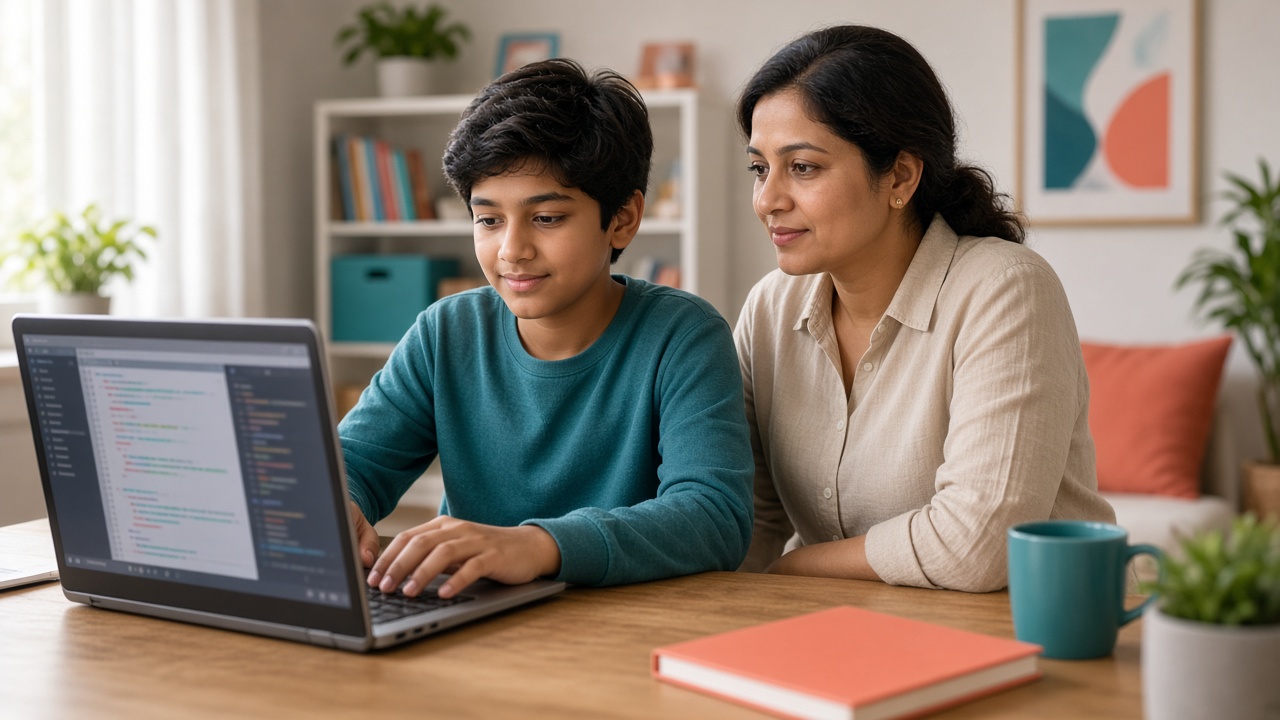
Teach digital habits early so kids can explore coding and AI with confidence
Practical cyber safety for Indian parents whose children learn coding, robotics or AI—house rules, chatbot privacy, online classes, kit safety and school–home alignment.
Introduction
When children start coding, robotics or AI tools, they spend more time online—signing into learning platforms, chatting with AI tutors, joining video classes and sometimes sharing projects. That is a good thing for learning, but it also raises new safety questions for Indian parents and teachers. The goal is not to stop kids from exploring technology. It is to give them clear habits so they can learn with confidence.
This guide covers practical house rules, safe use of AI chatbots, online class etiquette, basic robotics-kit safety and how families and schools can stay aligned. Rules and platform policies can change—always check official sources for the tools your child uses.
Why coding and AI learning changes the safety conversation
Coding and AI classes often need accounts, cloud storage, messaging features or screen sharing. Younger students may not yet understand what counts as personal information, or why a "helpful" chatbot should never see a password or home address. Older students may join public forums, upload code to shared spaces or use AI tools that store chat history.
None of this means coding is unsafe. It means parents should treat digital skills the same way they treat road safety: teach rules early, practise them together and adjust as children grow.
Practical house rules that work at home
Start with a few simple agreements and keep them visible near the study desk.
Accounts and passwords. Prefer family-managed or school-issued accounts where possible. Use unique passwords and a password manager if you already use one. Never reuse school or bank passwords for learning apps. Children should not share login details with friends, even for "just checking homework."
Personal information. Teach a short list of what stays private: full name with school and city together, home address, phone number, Aadhaar or other ID details, photos of school uniforms with name tags, and live location. Project usernames can be creative nicknames instead of real names.
Devices and Wi‑Fi. Prefer supervised devices for younger learners. Avoid public Wi‑Fi for accounts that hold personal data; home or school networks are usually better. Keep devices updated and use screen locks.
Screen time and location. Decide where coding happens—often a shared room rather than a closed bedroom—and agree on session lengths that fit age and schoolwork. Breaks matter as much as focus time.
Using AI chatbots safely for learning
AI chatbots can explain concepts, suggest practice problems or help debug simple code. They work best as tutors, not as machines that complete homework for the child. A useful family rule: "Ask the AI to explain the idea, then write the answer yourself."
Never paste private data into a chatbot—no passwords, phone numbers, school IDs, medical details or photos of classmates. Remind children that chatbots can sound confident even when they are wrong, so they should cross-check important facts with a teacher, textbook or trusted site.
Age limits and parental controls differ by product and can change. Read the tool's own terms and privacy settings, and use school-approved options when your child's school provides them. For a broader look at responsible AI use in studies, see our related guide on AI tools students can safely use for learning.
Online classes, platforms and stranger chat
Most reputable coding and robotics programmes use scheduled video sessions with known teachers. Still, parents should know: who hosts the class and how attendance is taken; whether chat, screen sharing or breakout rooms are used; whether sessions are recorded and who can access recordings; and whether students can message each other outside class time.
Sit nearby for younger children during the first few sessions. Switch off open chat with strangers on learning platforms. If a class requires camera use, agree on a tidy background and no personal documents or family photos on the wall behind the child. Report uncomfortable messages to the instructor and the platform promptly—do not leave children to handle it alone.
Robotics kits and physical safety (without fear)
Robotics is usually safe when adults set a calm workspace. Keep small parts away from toddlers, follow battery and charger instructions, and use kits with adult supervision for soldering, sharp tools or Li-ion batteries. Unplug power supplies when not in use. These are ordinary workshop habits, not reasons to avoid robotics—curiosity plus care is the right mix.
What schools and parents can align on
Ask the school or programme for a short safety note: which platforms are used, what data is collected, how teachers monitor chats, and who parents contact if something feels wrong. At home, reinforce the same language the school uses so children hear one clear message. Teachers can remind classes that sharing logins or private details is never part of a project, and parents can ask children weekly what tools they used and what they learned—not only grades, but habits.
Frequently asked questions
Q: Is my child too young for an AI chatbot? A: It depends on the tool's stated age guidance, your child's maturity and how you supervise. Many families start with parent-present use and school-approved tools. Check each product's official age policy, which can change.
Q: Should I ban ChatGPT or similar tools for homework? A: A total ban is hard to enforce and may miss a learning chance. Clearer rules work better: use AI to understand, not to copy; never share private data; and be honest with teachers about how help was used.
Q: What if my child joins a free coding Discord or WhatsApp group? A: Treat unknown groups with caution. Prefer official class channels. If they join a group, know the admin, keep personal details out of chat and leave if behaviour feels off.
Q: Do parental control apps replace conversations? A: Tools can help with filters and time limits, but they do not replace talking about why privacy matters. Combine light technical controls with regular, calm discussions.
Learn coding and AI with guided support
SheepByte is an AI and robotics education company based in Udaipur, Rajasthan. Through our AI Learning, Coding Bootcamp, Drone Technology, Innovation Club, Robotics Lab and STEM Integration programmes, we help students build skills in supervised learning environments. We run workshops in Jaipur, Delhi and online, and support schools that want structured robotics labs.
If you want your child or school to explore coding and AI with clear guidance for parents and teachers, email support@sheepbyte.com or visit sheepbyte.com.


