Use AI to understand more, not to think less
AI tools can support learning when used as a tutor, not a shortcut. Learn which kinds of tools help, how to keep children safe, and which rules to set.
Introduction
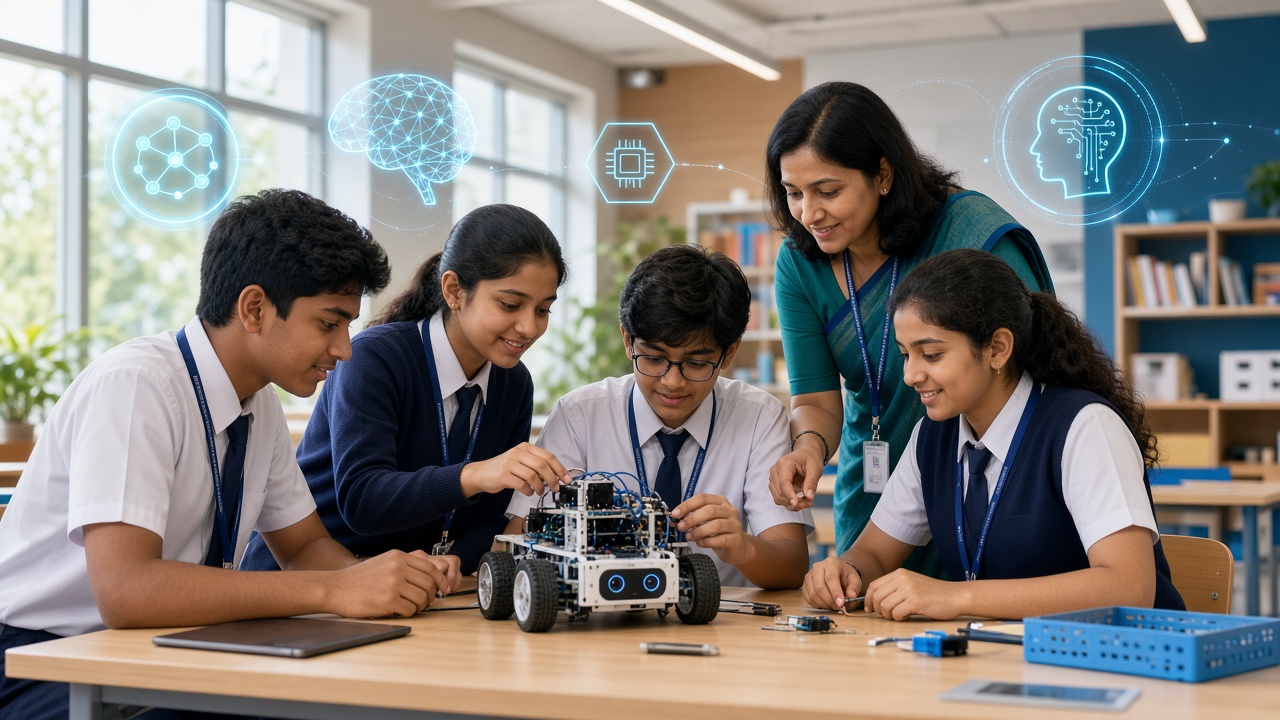
AI tools are now part of how students study, from chatbots that explain tricky topics to apps that translate, summarise, or check grammar. Parents and teachers are rightly asking: which of these are actually good for learning, and how do we keep children safe? This guide offers practical principles, categories of useful tools, and house rules you can set, without pushing any particular product.
A note on tools: AI products change quickly, and many have age limits and data policies. Always read the current terms, check the minimum age, and have a parent or teacher review a tool before a child uses it.
AI as a tutor: what kinds of tools can help
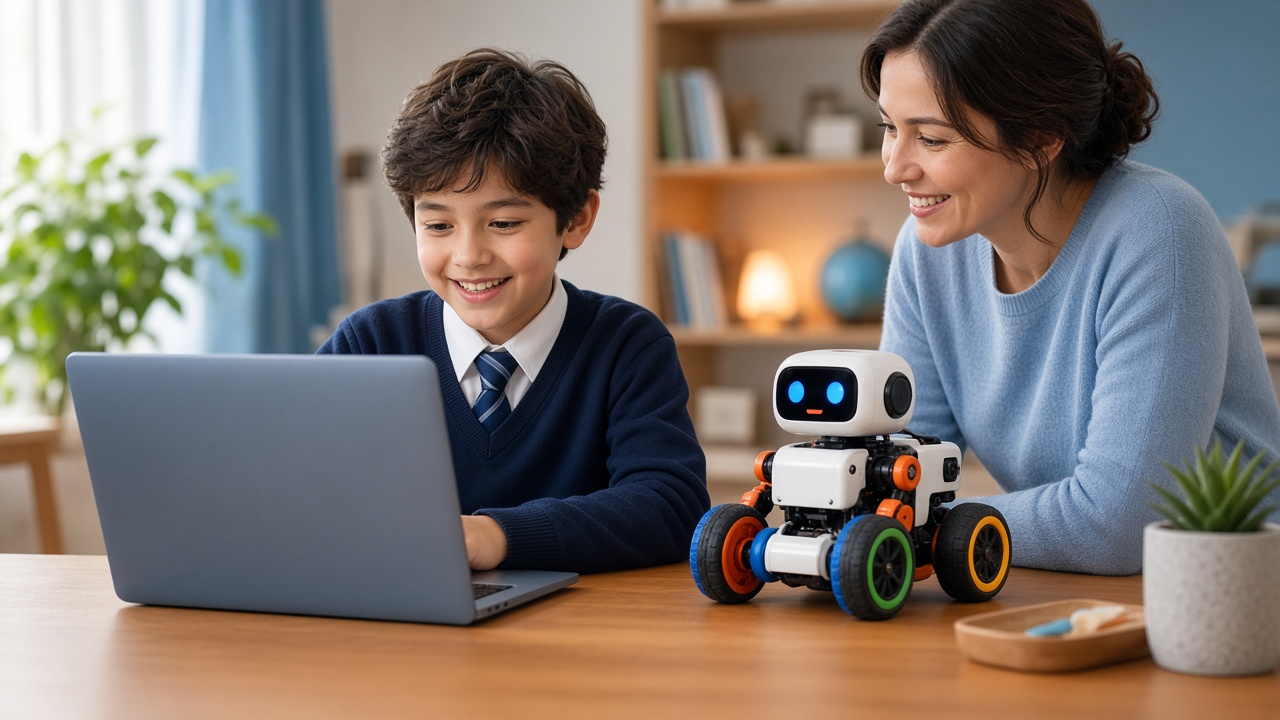
The big idea: AI as a tutor, not a shortcut. The safest and most useful way to use AI is as a helper for understanding, not a machine for finishing homework. A student who asks "Explain photosynthesis with an example" is learning. A student who pastes a question and copies the answer is not. Teach this simple rule: if the AI did the thinking, you did not learn it.
Categories of AI tools that can help learning.
1. AI chat assistants. These can explain concepts in simple language, give examples, quiz students, and suggest study plans. Use them to: Ask for an explanation "like I'm in Class 7"; Request practice questions, then try them before looking at answers; Get feedback on your own writing, instead of asking for a full essay.
2. Language and writing helpers. Grammar checkers, translation tools, and dictionary apps help students improve English or other languages. Treat suggestions as lessons: ask why a correction was made.
3. Coding helpers. AI can explain error messages and suggest fixes. For beginners, the rule is to try first, then ask for a hint, and finally to read and understand any code before using it.
4. Maths and science explainers. Some tools show step-by-step solutions. They are useful for checking work and understanding methods, but students should attempt problems on their own first.
5. Visual and creative tools. Image and music generators can inspire creative projects, but they raise questions about originality and appropriate content, so close adult guidance is wise.
6. Beginner machine learning tools. Browser-based tools that let students train a simple image or sound model teach how AI works, which is valuable in itself.
Safety checklist for parents and schools
Before a student uses any AI tool, check:
- Age requirements. Many general AI services set a minimum age. Respect it, and look for education-focused options designed for younger users.
- Privacy. Never share full name, address, phone number, school details, photos, or passwords in a prompt. Treat anything typed into an AI tool as potentially stored.
- Content filters. Understand what the tool may produce and whether it has safety settings.
- Accounts. Prefer parent- or school-managed accounts for younger students.
- Advertising and data use. Read how the provider uses data and whether the tool shows ads.
- Supervision. For younger children, use AI together at first.
Habits that make AI use smart
Verify, do not trust blindly. AI can produce confident answers that are wrong, outdated, or invented. Teach students to check important facts in textbooks, trusted websites, or with a teacher. This habit is called verification, and it may be the most important AI skill of all.
Ask better questions. Clear prompts give better results. Encourage students to include context ("I'm in Class 9 studying the CBSE syllabus"), state the goal ("explain, do not solve"), and ask for step-by-step reasoning.
Keep your own voice. Using AI to polish a draft you wrote is very different from submitting a text it wrote. Schools should publish clear rules about what is acceptable, and students should follow them honestly.
Give credit. If AI helped with a project, say so, in the way your teacher requests. Honesty builds trust.
Take breaks from screens. Balance AI-assisted study with reading, writing by hand, discussion, and practical activities.
House rules and what schools can do
Simple house rules to try. 1. AI is for understanding, not copying. 2. Try the problem first, then ask for help. 3. Never share personal information. 4. Check important answers with a second source. 5. Tell a parent or teacher if something feels strange or uncomfortable. 6. Follow the school's rules on AI in assignments.
What schools can do. Create a short, clear AI use policy for each grade; Teach AI literacy as a regular topic, including bias, errors, and privacy; Train teachers to design assignments that reward thinking, such as oral explanations, drafts, and in-class work; Provide approved tools, so students are not left to find risky ones; Involve parents through simple guidance notes and workshops.
Warning signs to watch for
If you notice these, have a calm conversation and revisit your house rules together.
- A sudden jump in the quality of work that the student cannot explain
- Reluctance to attempt problems without the tool
- Sharing personal details with chatbots
- Believing everything the AI says
- Spending long hours on AI apps instead of other activities
Frequently asked questions
Q: Is it safe for children to use AI chatbots? A: It can be, with supervision, age-appropriate tools, and clear rules about privacy and honesty. Younger children should use AI alongside a parent or teacher, and families should check each tool's age policy.
Q: Will AI make students lazy? A: It can if used as a shortcut. Used as a tutor to explain, quiz, and give feedback, it can support learning. The difference lies in habits and in how teachers design tasks.
Q: How can I tell if my child is relying too much on AI? A: Ask them to explain their answer in their own words, or solve a similar problem without the tool. If they struggle, add more practice without AI and discuss why understanding matters.
Learn to use AI wisely with SheepByte
SheepByte is an AI and robotics education company based in Udaipur, Rajasthan. Our AI Learning program helps students understand how AI works and how to use it responsibly, alongside Coding Bootcamp, Robotics Lab, and STEM Integration. We run workshops in Jaipur, Delhi, and online, and we can support schools in building AI literacy.
Write to support@sheepbyte.com or visit sheepbyte.com to learn more.